AVORA
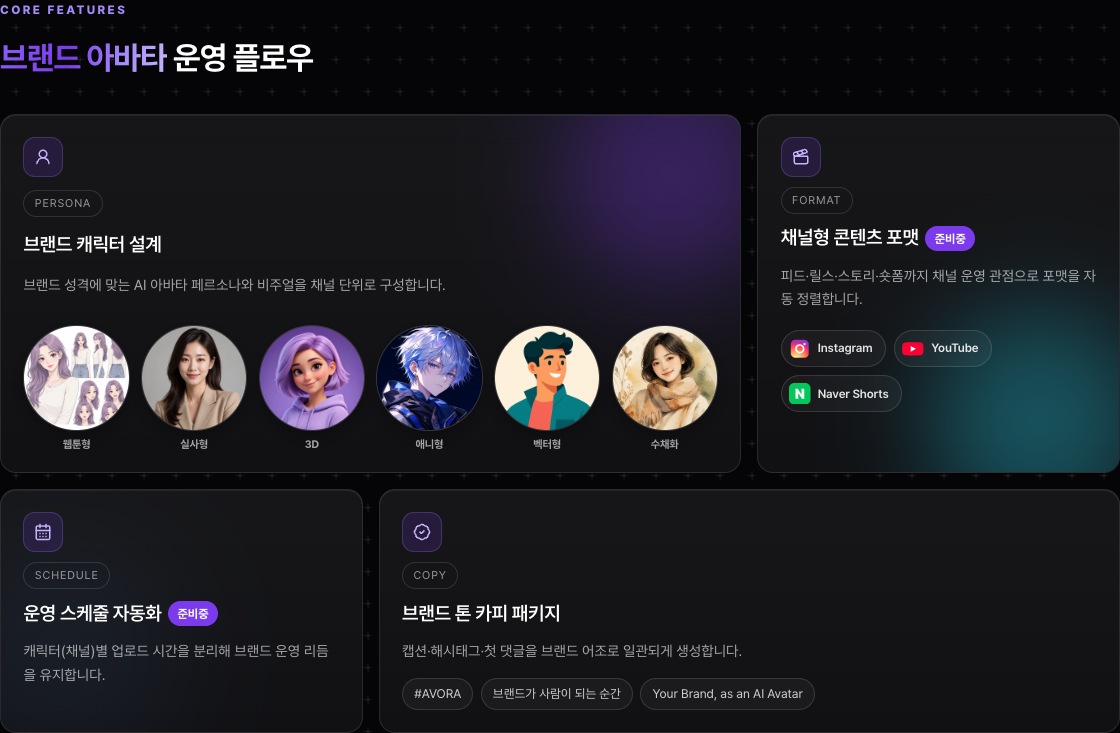
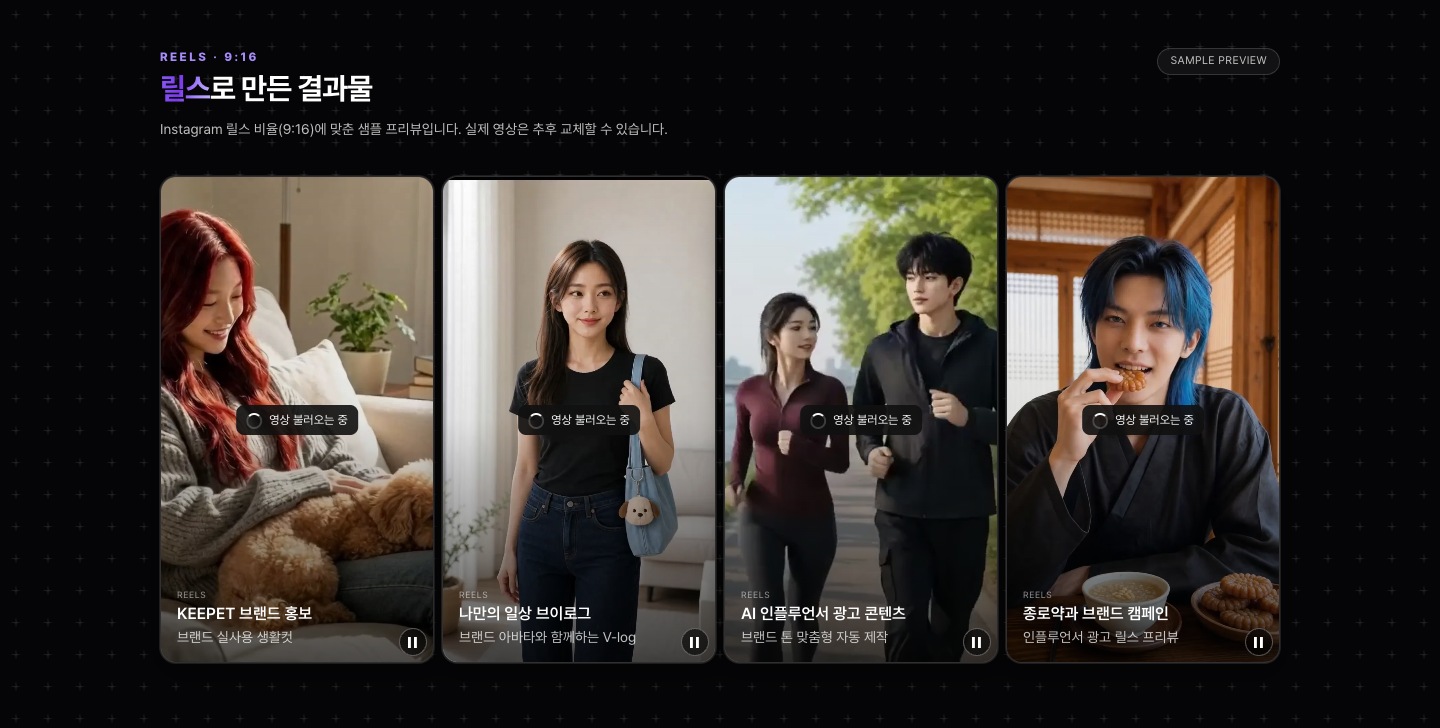
Create a brand avatar and plan content for the channels where it appears.


From plan to scene.
From scene to film.
Filmmaking stages from the Film Studio v4.1.1 guide.
Start with the purpose
and the message.
Work out the running time, characters, action and direction in creative consultations and a detailed script. Keep versions of the plan as you refine the production brief.
- Content goals and logline
- Script and storyboard
- Characters, action and setting for each scene
Give each shot the characters
and assets it needs.
Use image and character references to produce each shot. Organize the project into Film, Sequence, Scene and Shot levels.
- Manage character and image references
- Create starting images and shots
- Link assets to scenes
Bring cuts, sound and subtitles
together in the final film.
Adjust shot order, duration and transitions. Edit voices, background music and subtitles entered by hand or imported from SRT, then choose export settings.
- Reorder, trim and transition between shots
- Edit voices, music and subtitles
- Set resolution and frame rate, then export to MP4
A shared space
for production.
Move between solo work and team production.
Choose who can collaborate through private projects, cloud rooms, email invitations and roles. Keep production assets and editing work together in each project.
Features are described in the AVORA v4.1.1 user guide.